Projectors are one of the most confusing purchases in a simulator build. The specs are dense, the marketing is vague, and it's easy to spend $1,500 on the wrong unit because a YouTube video made it look great in someone else's space.
Here's the framework we use after speccing projectors on 200+ builds. Three decisions, in order. Don't skip ahead.
Step 1: Lock in Your Screen Size First
Every projector decision flows from your screen size. If you don't know your enclosure dimensions, stop here and figure that out first. Ordering a projector before you've committed to screen dimensions is one of the most common and expensive mistakes we see.
Two things to nail down:
- Aspect ratio — Most residential builds use 4:3 (works better in tighter spaces) or 16:9 (standard HD widescreen). 4:3 gives you a taller image in less depth; 16:9 goes wider. Your ceiling height and room depth will dictate which makes sense.
- Viewable screen area — This is the actual projected surface inside your enclosure, not the frame dimensions. You need this number before you can calculate throw distance.
Pro tip: Use ProjectorCentral.com — they have a throw calculator that handles 4:3 vs. 16:9 math automatically. Plug in your screen size, pick a projector model, and it tells you exactly where to mount it.
Step 2: Figure Out Your Mounting Location
Where the projector lives determines everything else — throw ratio requirements, keystone needs, and whether certain units are even viable for your space.
Ceiling Mount (Recommended)
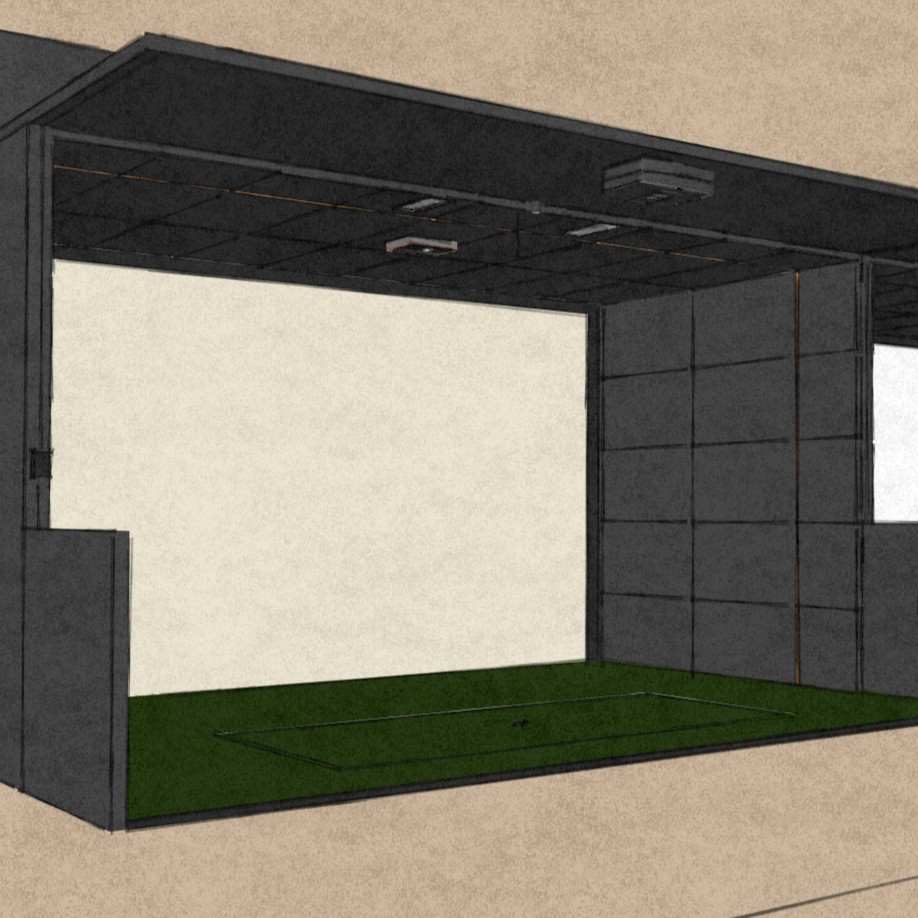
This is the right answer for almost every build. Clean, permanent, safe from errant shots. Target a mounting distance of 8–14 feet from the screen. Under 8 feet and you risk a ball strike; over 14 feet and you start getting the golfer's shadow on the screen.
You'll need a solid anchor point — ceiling joists, enclosure pipe, or a custom-built panel. Don't skip this step and mount into drywall.
Floor Mount
Positions the projector between the golfer and the screen, which means you need a short-throw unit (0.5:1 throw ratio or less). This cuts your options significantly and adds other headaches: tripping hazard, heat buildup inside the case, and a less polished look. Use it when ceiling mounting genuinely isn't possible.
Side/Offset Mount
Last resort. Requires a projector with horizontal keystone correction, which isn't common. The image will never be quite as clean. Fine for testing, not for a finished build.
Step 3: Match the Projector to Your Budget
Now that you know your screen size and mounting position, here's how to think about the technology decisions. These aren't sequential — weigh them together based on your priorities.
Lamp vs. Laser
Lamp (bulb) projectors — $400–$900 — The workhorse. Thousands of commercial sim facilities run bulb projectors and guests never know the difference. Bulbs are rated for several thousand hours and replacements are cheap. If this is your first build or you're budget-conscious, start here. A solid 1080p lamp projector at the right throw distance looks great.
Laser projectors — $1,200–$3,500+ — Higher contrast, more lumens, quieter operation, no bulb replacements, and a significantly longer lifespan. Worth the upgrade for a premium room. But to be honest — you won't notice the difference mid-swing. The value case for laser is longevity and convenience, not gameplay quality.
4K vs. 1080p
Our honest take: unless you're also using the room for movies or console gaming, 4K is hard to justify for a simulator. Golf simulation software hasn't fully caught up to 4K rendering — the visual difference is marginal, and 4K projectors require a significantly more powerful (and expensive) PC to run lag-free. 1080p at 120Hz is the right call for most golfers.
How Many Lumens?
For a dedicated sim room with controlled lighting, 3,000–4,000 lumens is plenty. If your room has windows or overhead lighting you can't fully control, push toward 4,500+. More lumens means more cost — and the returns diminish fast once you're in a properly dark space. Don't overspend here chasing a number.
Input Lag — The Spec Most People Miss
Input lag is the delay between your swing and the ball flight appearing on screen. For a simulator to feel responsive, you want under 33ms. Under 20ms is excellent. Most of the projectors we spec run 16–17ms in their game/sport mode, which is effectively imperceptible.
This matters more than resolution for simulator use. A slightly lower-res image that responds instantly feels better than a crisp 4K image with noticeable lag. When comparing projectors, check the input lag spec in game mode specifically — it's often much lower than the default mode figure listed on spec sheets.
The throw ratio matters most. A $600 lamp projector mounted at exactly the right distance will outperform a $2,000 laser mounted in the wrong spot. Get the throw distance right first — then pick the projector that fits it. Always verify input lag in game mode before you buy.
Our Top Picks for 2026
These are the units we actually specify on builds. Not affiliate picks — just what holds up after installation.
BenQ TH671ST
Short-throw (0.69:1), 3,000 lumens, 1080p, 16.67ms input lag. Our most-specified projector on residential builds. Reliable, well-supported, and the throw ratio works cleanly in most garage and basement setups. A proven workhorse.
Optoma GT2000HDR
Short-throw laser, 3,500 lumens, 1080p, ~8ms input lag. The step up from lamp if you want no-maintenance longevity without going full 4K. Solid brightness for rooms that aren't fully light-controlled.
BenQ AK700ST
4K short-throw laser, 4,000 lumens, 8.4ms input lag at 1080p/240Hz. BenQ built this specifically for golf simulator use — it shows. The sweet spot for serious builds where image quality and response time both matter. This is what we're specifying on premium residential rooms right now.
BenQ LK936ST
4K laser, 5,100 lumens, short-throw. The only projector we'd spec in a room with windows or overhead lighting you can't control. Overkill for a dark dedicated room — exactly right for commercial bays or challenging light environments.
The Short Version
| Use Case | Recommended | Price | Input Lag |
|---|---|---|---|
| First build, budget-conscious | BenQ TH671ST (lamp, 1080p) | ~$950 | 16.67ms |
| No-maintenance, tight budget | Optoma GT2000HDR (laser, 1080p) | ~$1,200 | ~8ms |
| Serious home sim — our go-to | BenQ AK700ST (laser, 4K) | ~$1,800 | 8.4ms |
| Commercial / bright room | BenQ LK936ST (laser, 4K, high lumen) | ~$3,200 | 16ms |
If you're not sure which throw ratio works for your space, use the ProjectorCentral calculator before you buy anything. And if you want us to spec it for you as part of your room design, that's exactly what the DIY+ program covers.
For a deeper look at how we approach projector selection on every build — throw types, lumen tiers, and what we actually install — see our Projectors gear page.
Launch House Golf designs and installs custom golf simulators across the US. Veteran-owned. 200+ builds. 48 states.