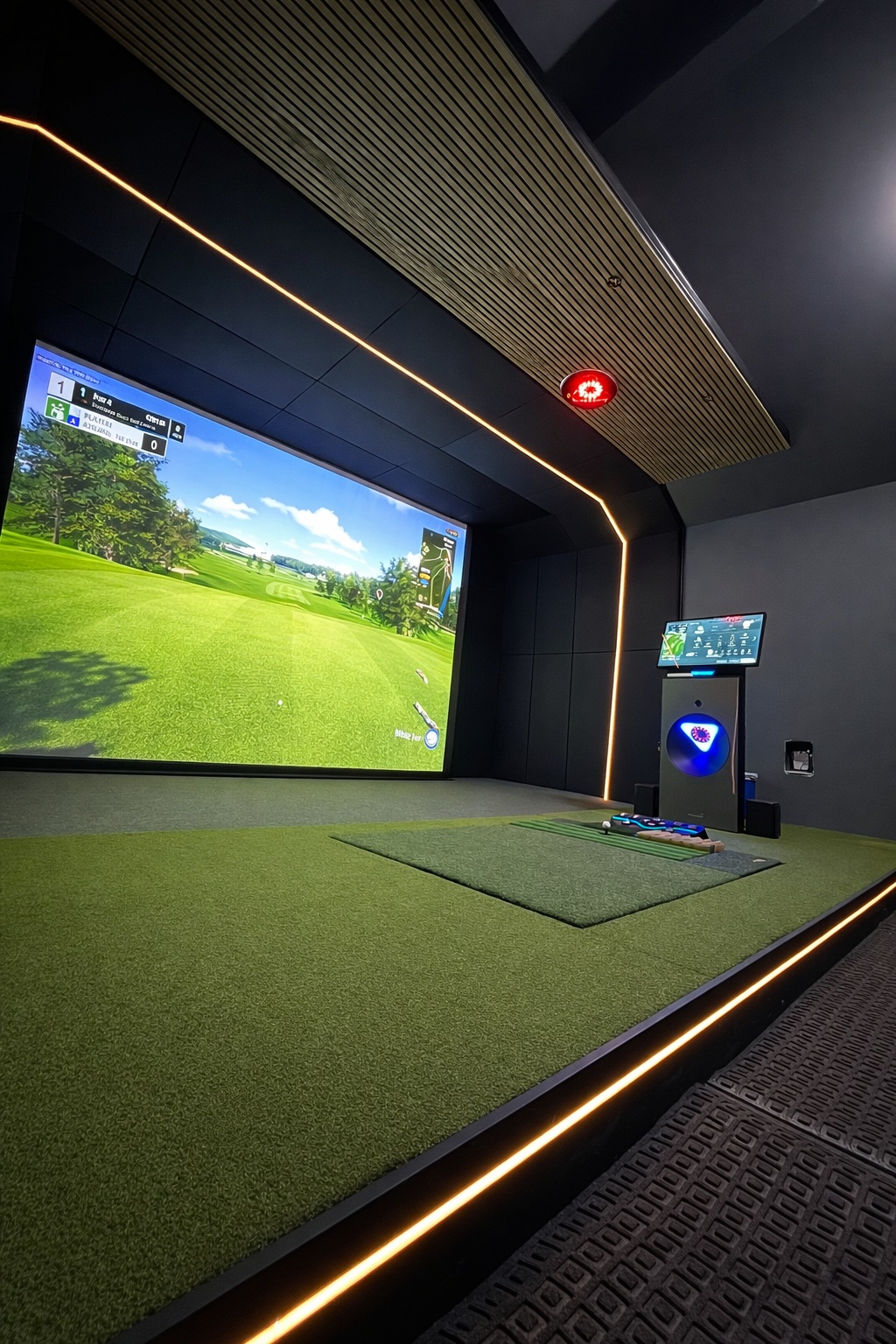
The PC is the one component most people underspec. They budget carefully for the launch monitor, spend hours picking the projector, and then drop whatever's on sale at Best Buy into the build. Three months later they're dealing with frame drops on the approach shot, input lag that throws off their timing, and screen tearing mid-swing. A properly spec'd machine makes all of that disappear — and it's a multi-year investment that doesn't need to be replaced when you upgrade the launch monitor.
We've spec'd computers for over 200 simulator builds. Here's exactly what we recommend right now, and why the current market changes the math.
Why Your PC Matters
Golf simulators are real-time 3D rendering applications running at the same time as launch monitor data processing. When the PC isn't keeping up, it shows. Frame drops cause the ball flight animation to stutter — you lose the visual feedback you need to calibrate distance perception. Input lag between the shot and the on-screen response trains your brain wrong over time. Screen tearing — where the display shows two frames at once — happens when the GPU can't push frames fast enough for the refresh rate.
None of these are tolerable in a premium simulator room. A properly spec'd PC eliminates all of them. The baseline for a good sim PC in 2026 is higher than it was two years ago — largely because software like GSPro APEX and Trackman VG3 have moved to more demanding rendering engines.
Mac won't work. GSPro, Trackman Virtual Golf 3, FSX Play, and E6 Connect are all Windows-only applications. There is no workaround. If you're buying a PC for a golf simulator, buy a Windows PC.
Trackman's Intel-Only Requirement
This is the most important constraint in sim PC selection and it catches people off guard constantly. Trackman does not support AMD processors. Full stop. Intel Core i7 at 3.4GHz or faster is the minimum — not a recommendation, a hard requirement. If you pair a Trackman iO with an AMD Ryzen machine, Trackman's software will tell you the system isn't supported and you won't get accurate data.
Intel Iris Xe integrated graphics are also explicitly unsupported. You need a discrete NVIDIA GPU in any Trackman build.
If your build is running GSPro, E6, or FSX Play without Trackman, AMD is fine — and in many cases the Ryzen 7 7800X3D or 9800X3D will outperform an equivalent Intel chip in gaming workloads due to AMD's 3D V-Cache architecture. But the moment Trackman enters the equation, you're Intel-only.
Quick Spec Reference
Here's where to start before we go deeper. These are the tier targets we use for residential and commercial builds right now.
| Use Case | GPU | CPU | RAM | Storage | Budget (Prebuilt) |
|---|---|---|---|---|---|
| 1080p (Non-Trackman) | RTX 5070 | Ryzen 7 7800X3D | 32GB DDR5 | 1TB NVMe | $1,500–$2,000 |
| 1080p (Trackman) | RTX 5070 | Intel i7-14700K or Core Ultra 7 | 32GB DDR5 | 1TB NVMe | $1,700–$2,200 |
| 4K (Non-Trackman) | RTX 5070 Ti / 5080 | Ryzen 7 9800X3D | 32GB DDR5 | 2TB NVMe | $2,500–$3,500 |
| 4K (Trackman) | RTX 4080 or better | Intel i7-14700K+ | 32GB DDR5 | 2TB NVMe | $3,000–$4,500 |
The 2026 GPU Pricing Reality
NVIDIA's RTX 50 series launched with a GDDR7 memory shortage baked in. The result: cards that were supposed to retail at MSRP are trading 25–75% above it at retail. An RTX 5080 with a $999 MSRP is selling for $1,400–$1,700 on shelves in June 2026. The RTX 5090 at $1,999 MSRP routinely clears $3,000.
Buy prebuilt, not components. System builders like iBUYPOWER, Skytech, and Alienware purchase GPUs at scale through direct OEM channels, bypassing the retail markup. When you buy a prebuilt, the GPU markup is absorbed into the system price at a fraction of what you'd pay for the card alone. We've crunched these numbers on dozens of recent builds — the gap between DIY and prebuilt has inverted from what it was in 2022–2024.
For Trackman builds specifically, RTX 4080 or 5080 is what you want for 4K rendering. The RTX 4070 Ti is the minimum Trackman will accept for HD output. Don't go below these thresholds with a Trackman system — the software will flag it and your visual quality will suffer.
Desktop vs. Laptop
For a permanent simulator room, buy a desktop. Every time. Here's why:
- Laptop GPUs are throttled. An RTX 5070 in a laptop runs 20–30% slower than the same GPU in a desktop due to thermal and power limits. You're paying for the name, not the performance.
- Desktops run cooler over long sessions. Simulator use means the GPU is under sustained load for hours. Laptops throttle further under sustained load. Desktops with proper airflow don't.
- Upgradeability. When you want to move to 4K in two years, you swap the GPU in a desktop. In a laptop, you buy a new laptop.
- Cost. Desktop prebuilts at equivalent GPU specs consistently cost 20–35% less than equivalent gaming laptops.
The only valid reason to go laptop is genuine portability — if you're a teaching pro running a sim at a range and also taking the setup to client locations. In that specific case, a laptop with an RTX 5070 and Intel Core Ultra processor is a legitimate choice. For a permanent room, it's not the right call.
Best Prebuilts 2026
These are the machines we're actually putting in builds right now. Pricing reflects current street price as of June 2026.
iBUYPOWER Y40 Pro
- RTX 5070
- AMD Ryzen 7 7800X3D
- 32GB DDR5
- 2TB NVMe SSD
- Note: AMD CPU — not Trackman compatible
Alienware Aurora
- RTX 5070
- Intel Core Ultra 7 265F
- 32GB DDR5
- 1TB NVMe SSD
- Intel CPU — Trackman compatible
Skytech Azure 3 Plus
- RTX 5080
- 32GB DDR5
- 2TB NVMe SSD
- Excellent 4K gaming performance
- Check CPU variant — AMD or Intel available
Skytech Legacy 4
- RTX 5090
- 32–64GB DDR5
- 2TB+ NVMe SSD
- Overkill for most use cases
- Right for high-volume commercial, 4K Trackman
Software Minimum Requirements
Every major sim software has its own published minimums. These are the real-world specs we've validated — the published minimums will technically run the software but not at acceptable quality.
| Software | Min GPU | Min RAM | CPU Restriction | Cost |
|---|---|---|---|---|
| GSPro | RTX 3060 | 16GB (32GB recommended) | None — Intel or AMD | ~$250/year |
| Trackman VG3 | RTX 4070 Ti (HD) / RTX 4080 (4K) | 32GB required | Intel ONLY — AMD not supported | ~$700–$1,100/year |
| E6 APEX | 12GB VRAM minimum | 24GB RAM | None | TBD |
| FSX Play | RTX 3060 | 8GB | None | Included with Foresight |
The RAM Pricing Crisis
If you've priced DDR5 recently, you've seen the numbers. A 32GB DDR5 kit that cost $80–$95 in early 2025 is running $300–$450 in mid-2026. AI data center buildout has consumed DDR5 supply at a pace the market wasn't prepared for.
This is another reason prebuilt wins right now. System builders locked in DDR5 contracts before the spike and their pricing hasn't moved proportionally. Buying a prebuilt with 32GB DDR5 included at $1,700 is a significantly better deal than buying components and purchasing the RAM separately at retail.
32GB is the right target for all sim builds in 2026. 16GB is workable for GSPro at 1080p but tight. Trackman requires 32GB — there's no negotiating that requirement.
Launch House Golf designs and installs custom golf simulators across the US. Veteran-owned. 200+ builds. 48 states. We spec and source computers for every build we do — reach out if you want a recommendation tailored to your room and software.